Run the whole bus company from one platform.
Sell the seat. See the coach. The driver has today's trip on their phone. One login for the desk, dispatch, the driver, and the fleet — without a radio and a spreadsheet.
- Sell tickets
- See every bus
- Today's trip on a phone
- Alerts when it matters
Built at Kasper Bus Lines · Thunder Bay ↔ Winnipeg · Scheduled coach, charter, and freight
Most companies still run on five apps and an Excel sheet.
Ticketing in one program. Live GPS in another. A staff calendar for who is working. Cameras that only record. Email, a radio, and a spreadsheet for the numbers. Dispatch has to hold all of that together. VION does the same jobs in one login.
- 01
Staff keep jumping between programs.
Tickets in one app. The map in another. Cameras, calendar, and email on their own screens. One question, and they are already in a third program.
- 02
Finding the bus still means a phone call.
The passenger calls the desk. The desk calls the driver. Where the bus is should already be on the screen.
- 03
Cameras record, but nobody gets a warning.
Someone who should not be on the bus walks on. The video is there. No one is told.
- 04
Nobody is on the radio when you need them.
Who is working, which bus can leave, and who is already on it — you have to chase people to find out. The radio is quiet. That should already be one list on the screen.
- 05
A bus in the shop can still sell tickets.
The shop has the bus. The desk already sold a seat. If it cannot leave, it should not be for sale.
Five tools. One company.
A ticket program. A GPS map. A staff calendar. Cameras. Email. Radio. A spreadsheet. Dispatch has to connect them. The passenger is still waiting on the phone.
One login for the whole company.
Desk, dispatch, driver, and fleet. Assign the bus once. Tickets, GPS, and the driver's phone follow it.
See the screensEveryone in the company uses the same login.
Desk, dispatch, driver, fleet, and owner each get their own screen. They all see the same tickets, the same bus, and the same trip.

Front desk
Sell the ticket at the counter and answer “where's the bus?” without calling the driver.
See how →
Dispatch
Assign the bus once. The map, Team Up, and the driver's phone follow it.
See how →
Driver
Today's run on their phone. Who is next. Book a ticket if someone shows up at the stop.
See how →
Fleet
Track repairs and what each bus costs. If it cannot leave, it cannot sell.
See how →
Cleaner
Before and after photos live on that bus. Dispatch sees them.
See how →
Owner
Sales, warrants, and tax from the same tickets. You own the data.
See how →Here is what you actually see on the screen.
The pictures below are the real layouts, with sample trips. Scroll through ticketing, the map, cameras, the driver phone, the fleet, and the AI assistant.
Sell the seat at the counter, on the phone, or through an agency.
Search, price, pay. Charters and freight ride the same trip. A refund stays on the booking, not in a side pile.

Front desk · Thunder Bay
Thunder Bay → Winnipeg · 2 Sep
06:15
Standard · 12 seats left
$189
Book Tickets
From, to, date, and price. Take payment and it's on the trip.
Hockey club · Q-1842
Thunder Bay → Winnipeg · 2 buses
- 1Request in2 buses for Saturday
- 2Quoted$4,200 sent
- 3SignedE-sign back · booked
4
Inquiry
2
Quoted
3
Signed
Charters
Request in, quote sent, e-signed. Then assign the bus and driver.
Thunder Bay → Winnipeg · station to station
Today · 2 Sep
$189
In a month · 2 Oct
$214
- Headphones on the trip+$8
- Child ticketNeeds 1 adult
- LoyaltySame customer file
Pricing
Station to station, with season windows. A child ticket still needs an adult.
Pay at the desk
Card or cash. Refunds stay on the booking.
Today
$4,820
14 tickets · 2 refunds
Payments & refunds
Card or cash at the desk. The refund stays on the booking.
Contract desks
They book your routes on account. You pick which routes they can sell.
- Allowed routesOn
- Portal users12
- On-accountMonthly
Agencies
Contract desks sell your routes on account. You pick which ones. Billed monthly.
- P-2041 · TBAY → WPGScanned
- P-2042 · WPG → The PasDesk
- P-2043 · WPG → TBAYOn Bus 2
Parcels
Label it at the desk. Scan it on. Track it like a ticket.
Assign the bus once. The map, the roster, and the driver follow it.
They ask where the bus is. You look at the map. Snow, closures, and the inbox sit on the same screen.
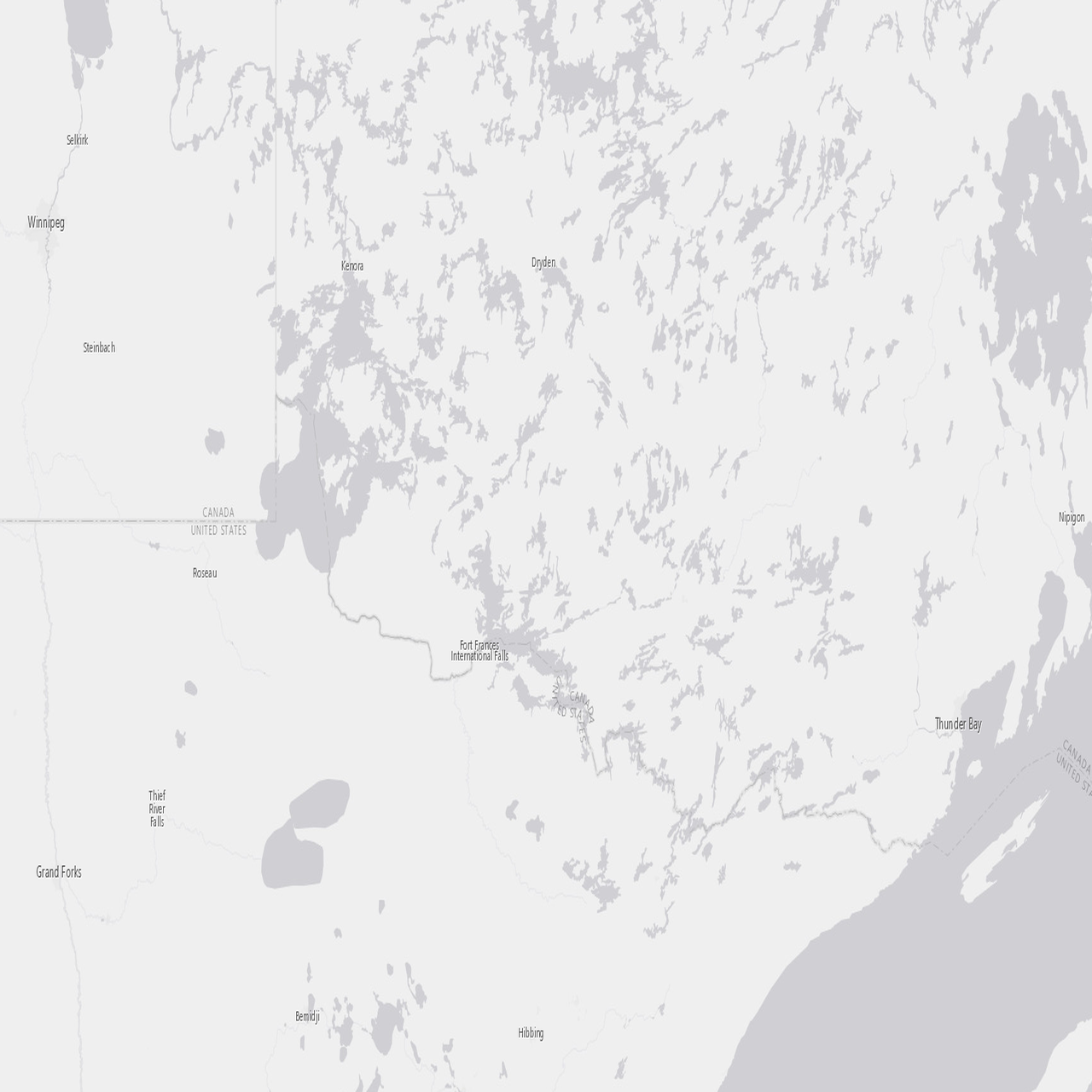
Bus 1 · eastbound
East of Dryden · live ETA 16:38
Bus Tracker
Every bus live, with ETA and who is driving. Nobody radios.
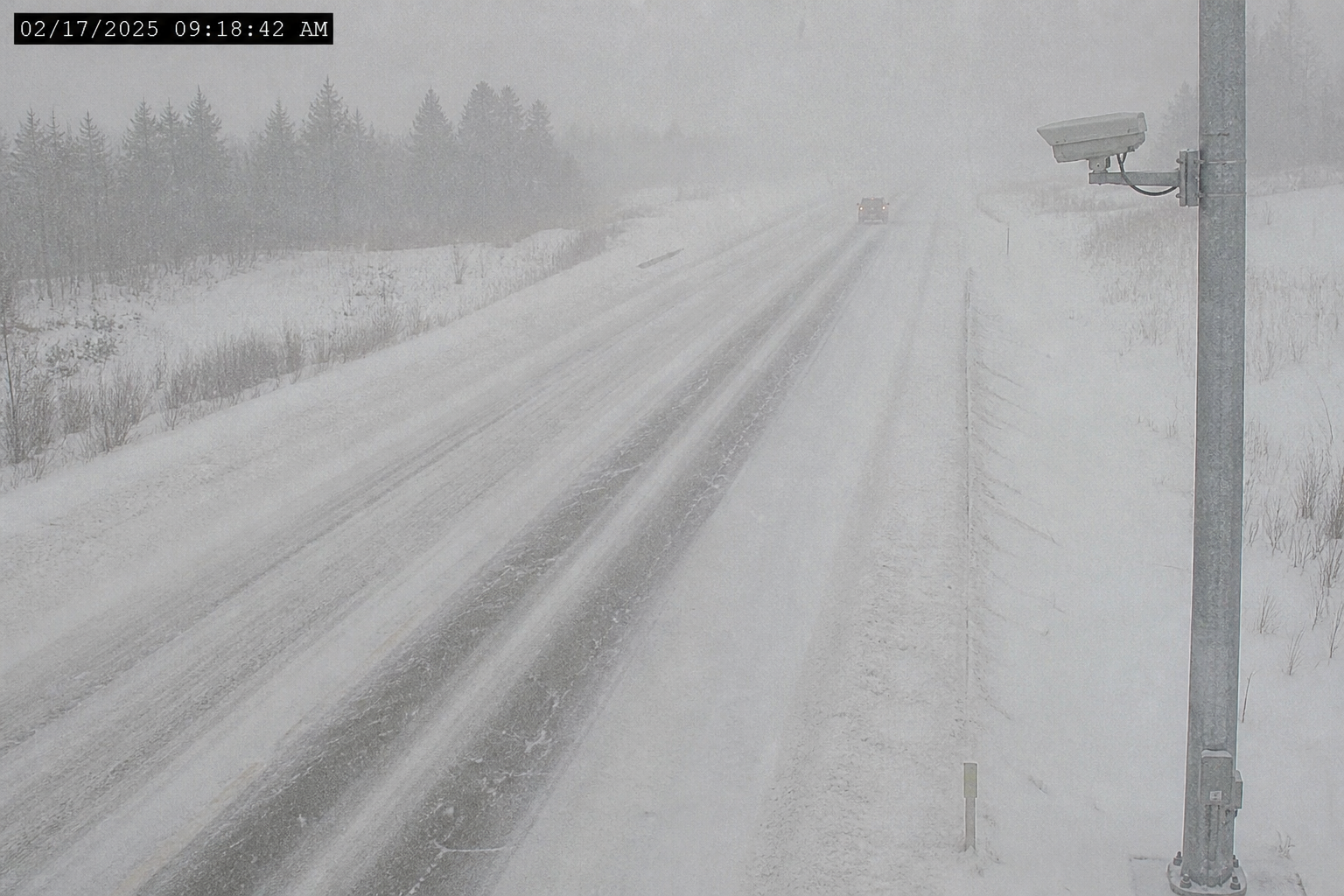
Hwy 17 · Kenora
Packed snow
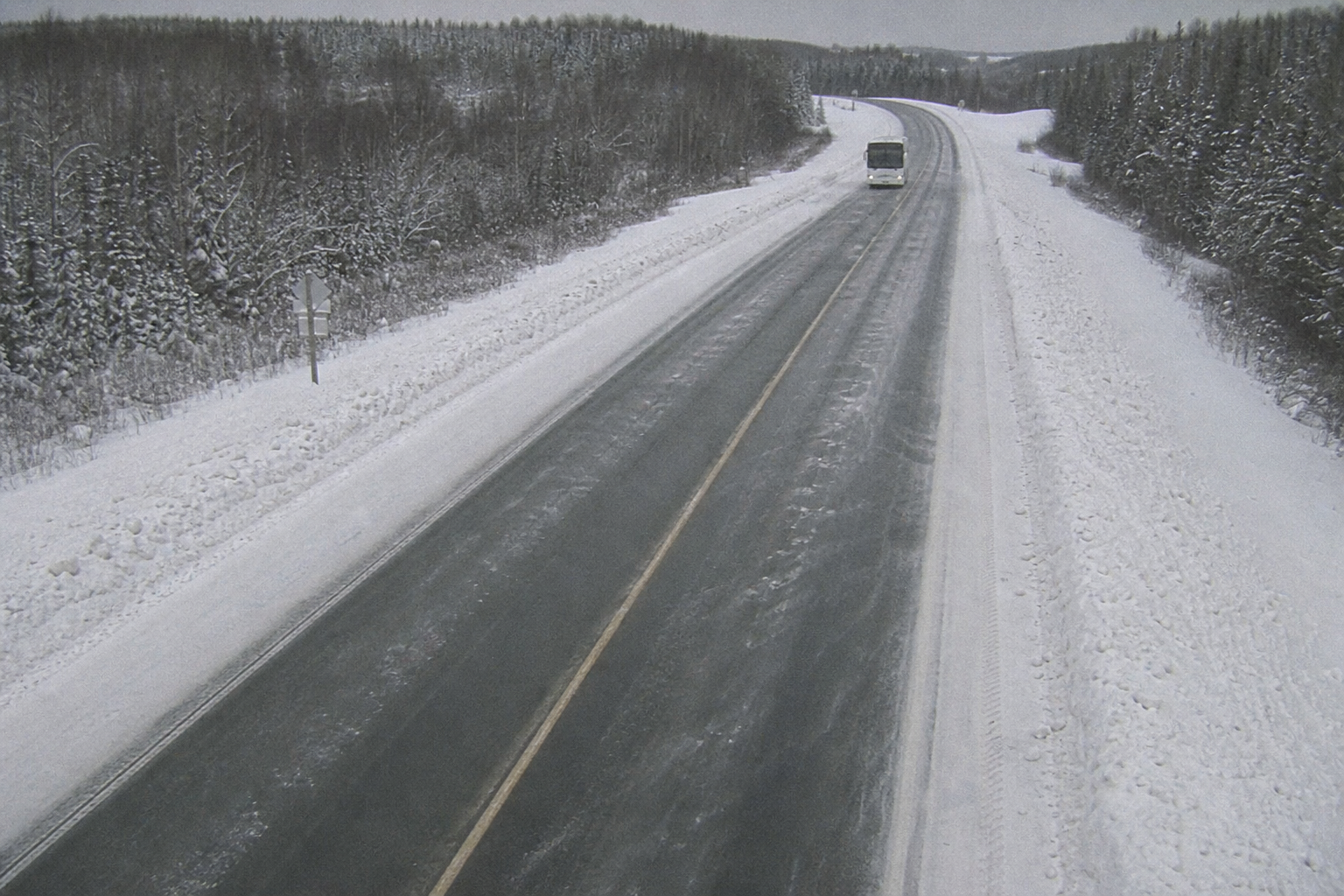
Hwy 17 · Dryden
Bus in snow
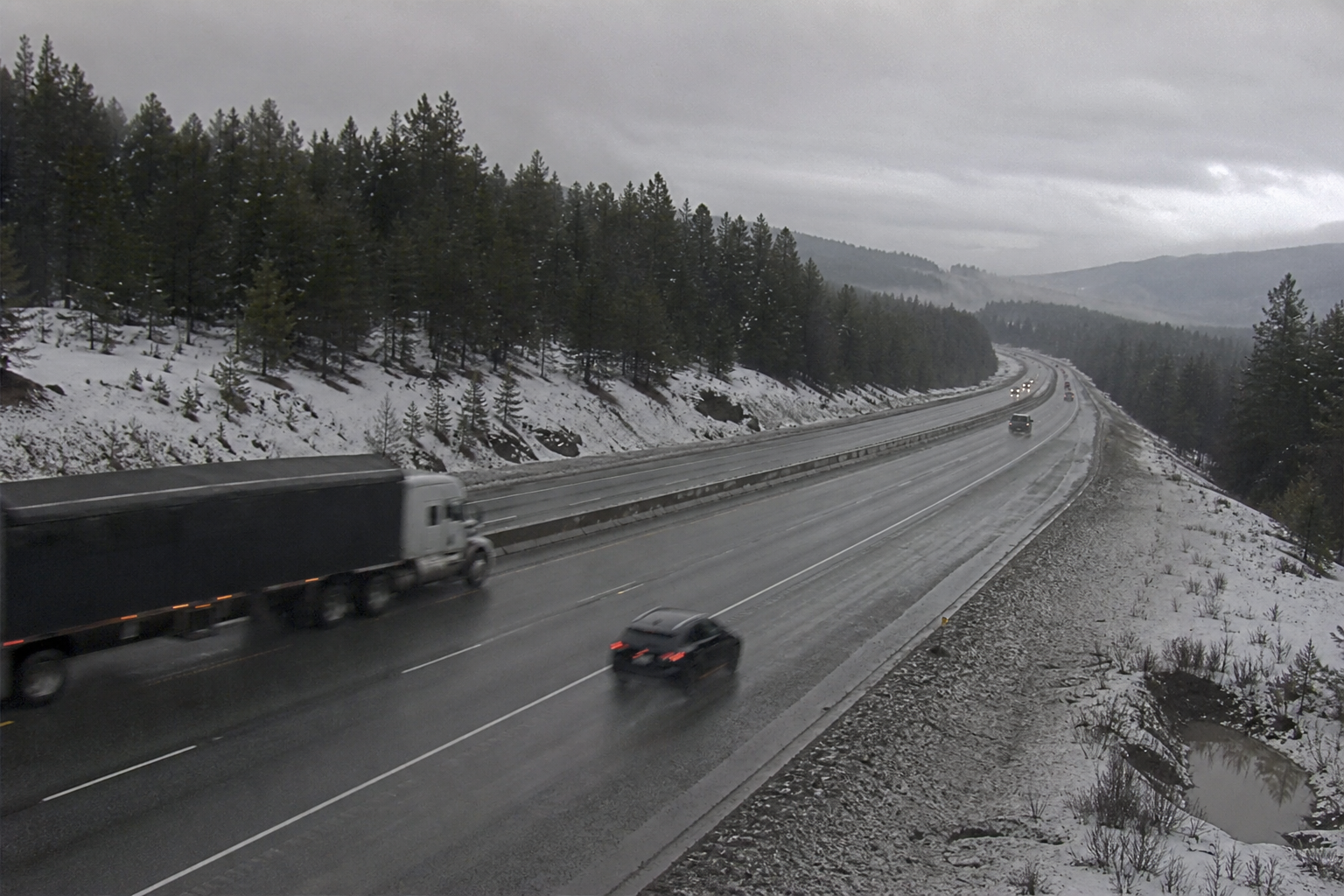
Hwy 17 west
Road closed
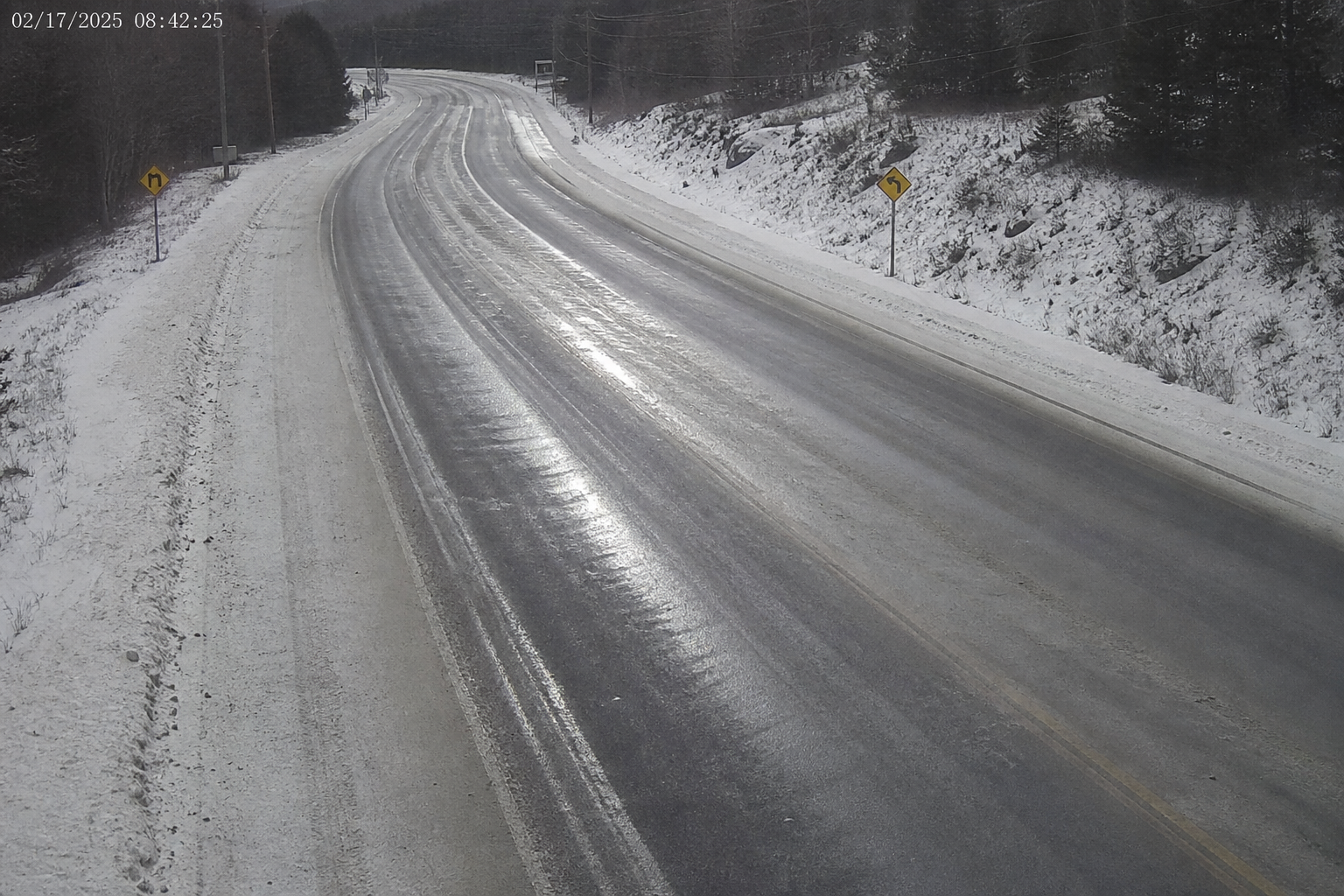
Hwy 17 · Ignace
Ice on the road
−4°
Thunder Bay
Closed
Hwy 17 · snow
16:38
Live ETA · Bus 1
Highway cameras & closures
511 cameras and a road-closed sign next to the live ETA. Hold or send.
Bus 1 arrived Dryden
nowTracker · 18 on · live ETA Kenora 15:10
Watchlist match at the front door
2mCameras · Trespass / banned person · lobby cam
One inbox
Arrived, road closed, charter signed, banned face at the door — one list.

TBAY → WPG · 06:15
Alex · Bus 1 · 18 passengers
 07:40WPG → The PasMaya · Bus 2 · 22
 14:00WPG → TBAYJon · Bus 3 · 31
Manifests
Driver, bus, inspection, and the passenger list. Print the PDF, or open it on a phone.
Ban a face once. Every camera knows.
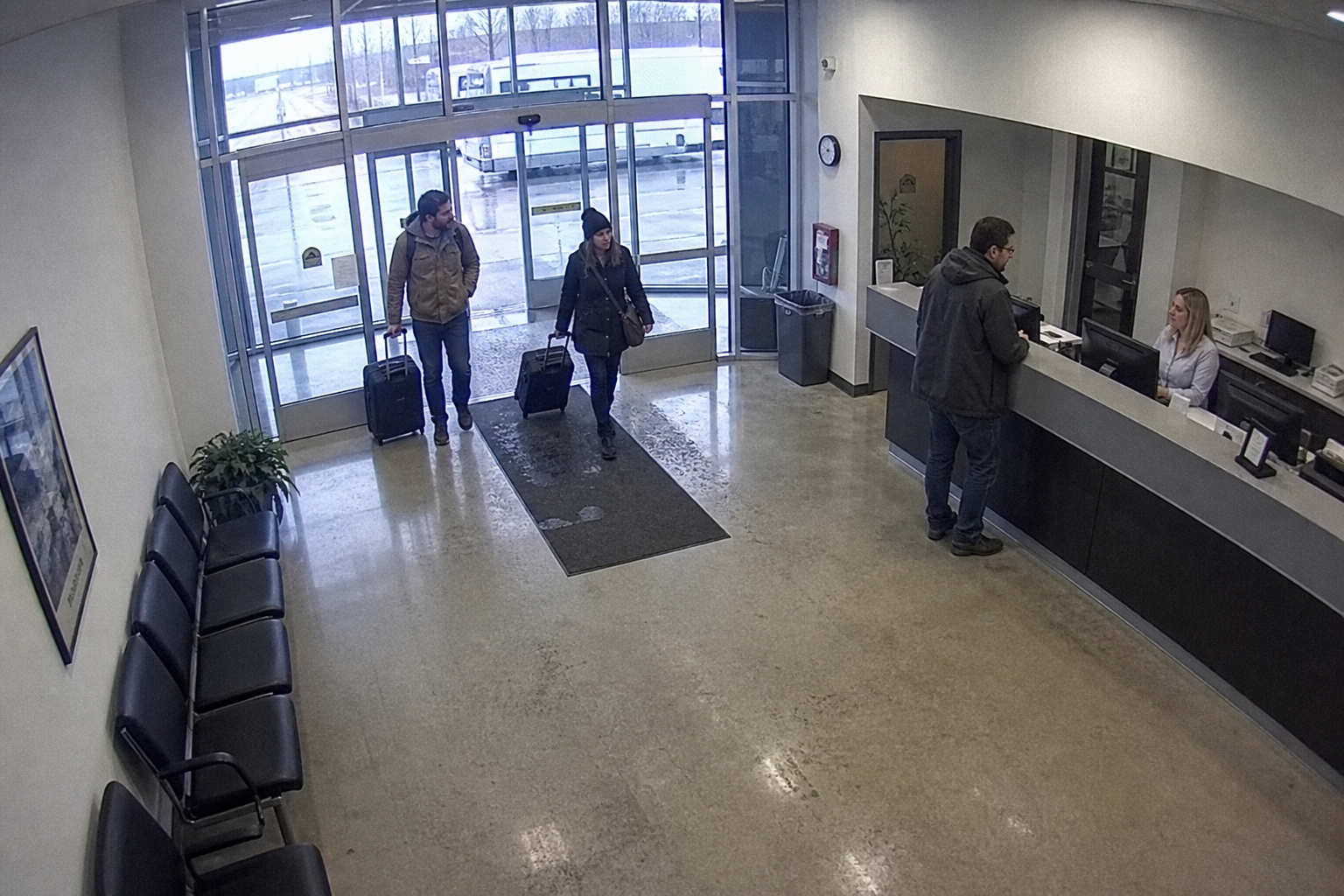
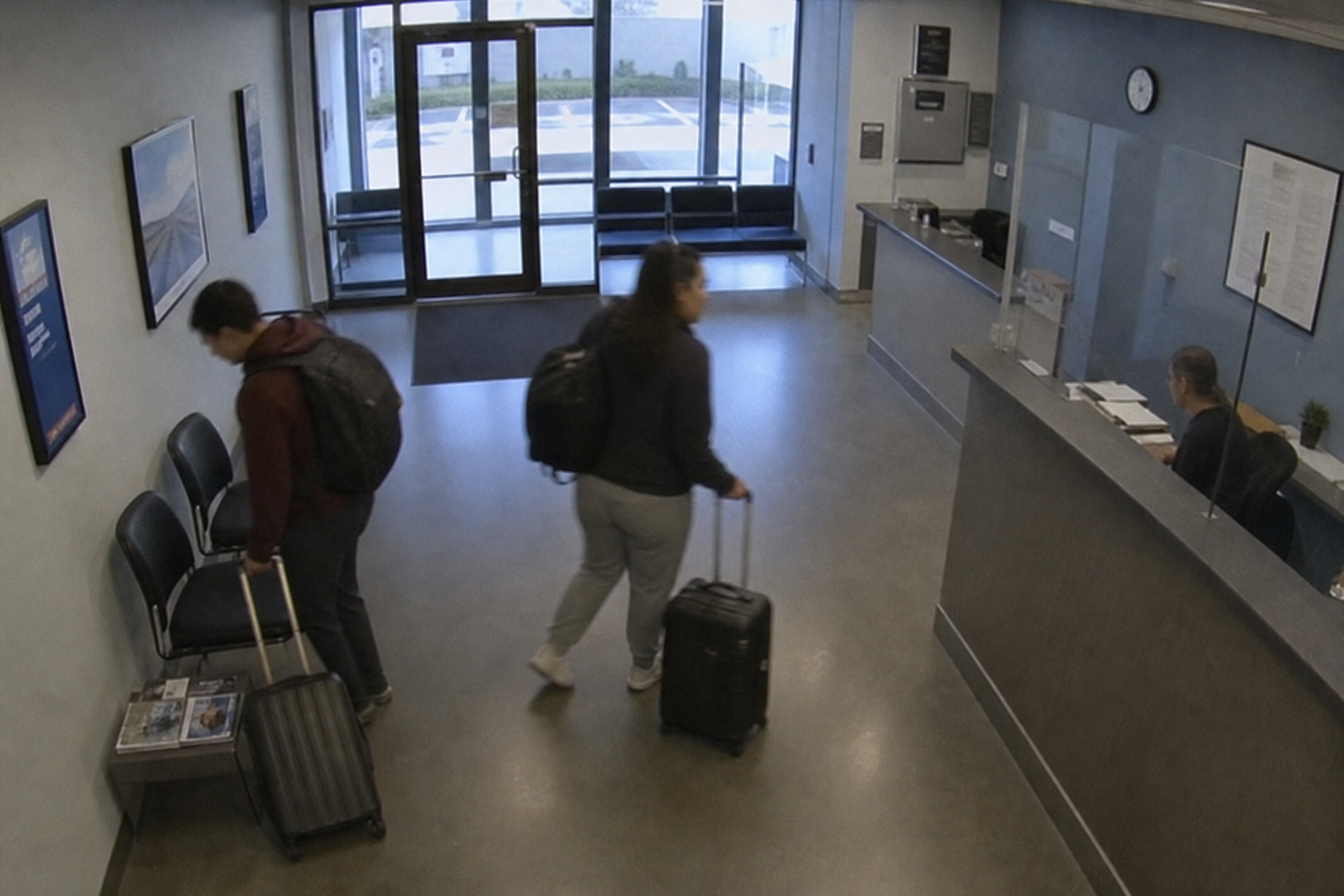
Lobby, front door, bus aisle, depot yard, and highway on one wall. The ban list is shared, and the alert comes to you.
Office lobby
Door + desk
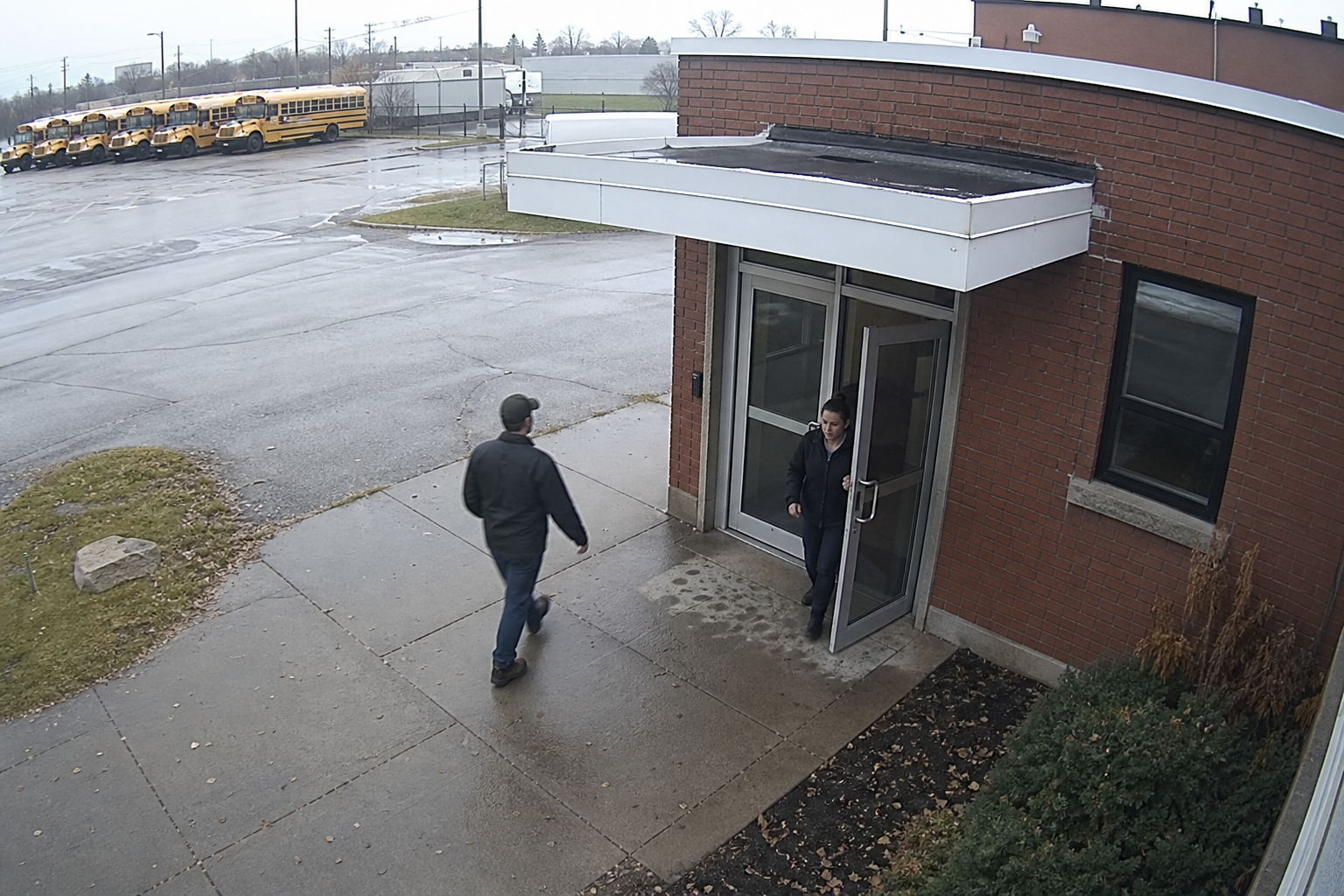
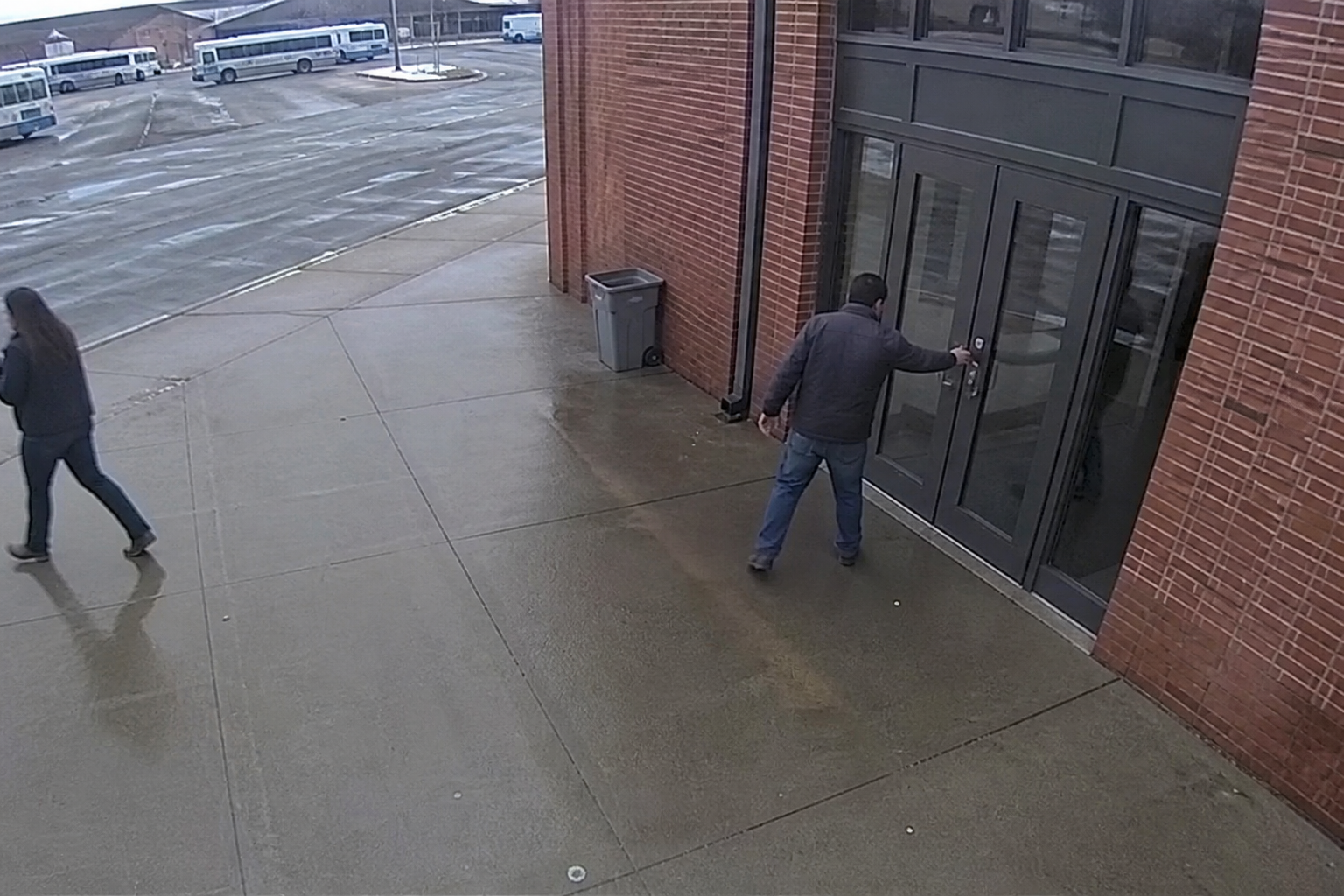
Front door
Who just walked in
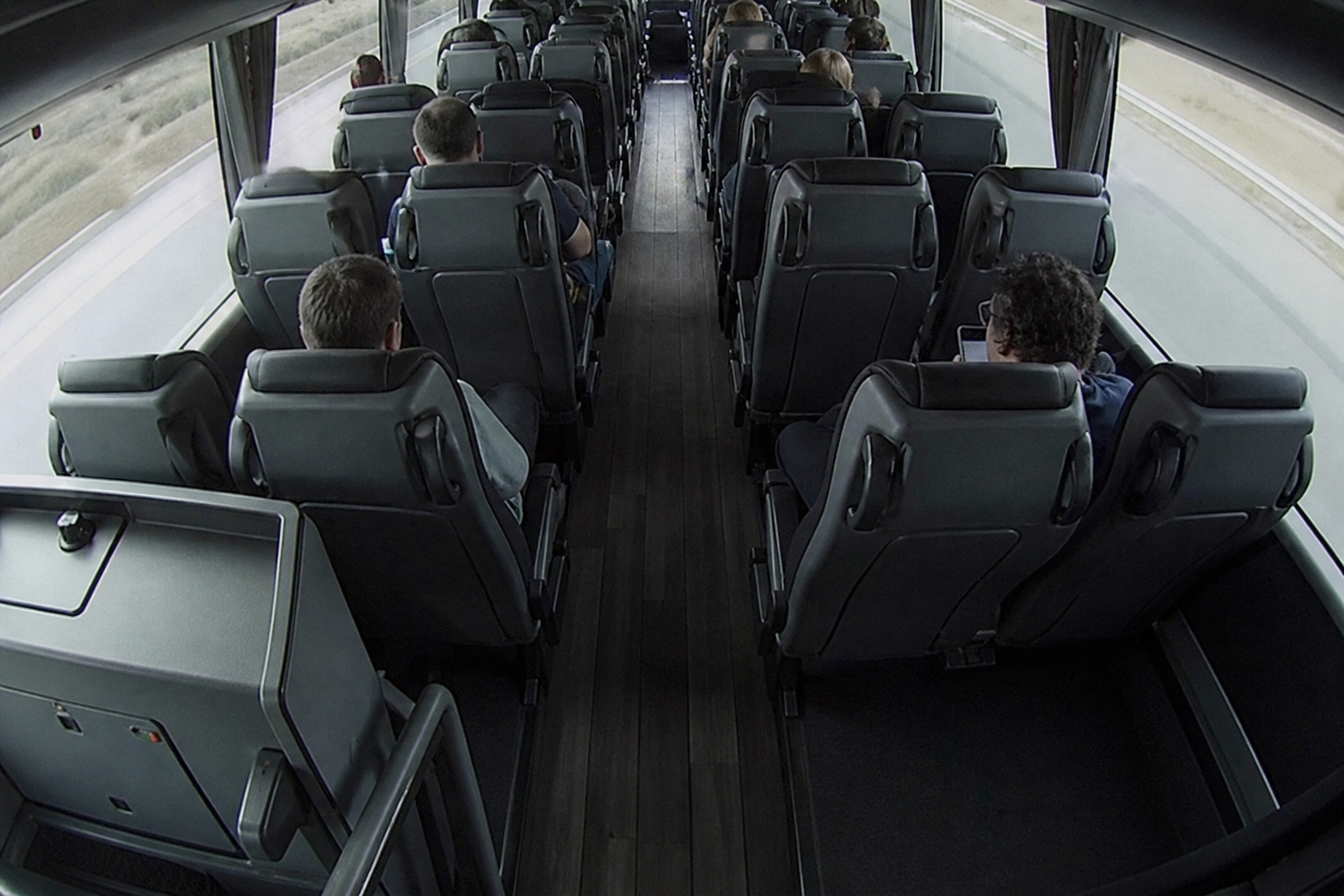
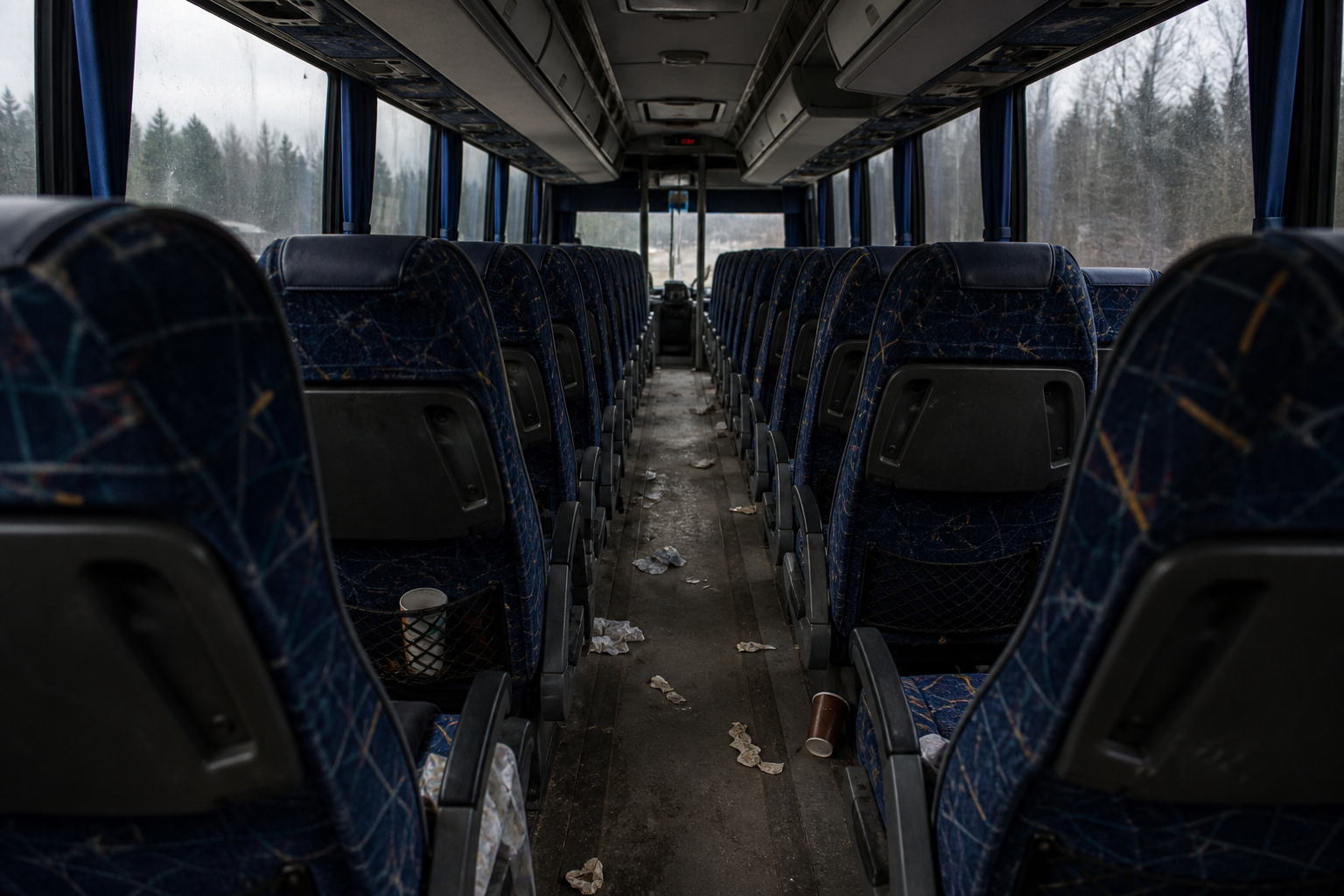
Bus 2 aisle
Passenger security
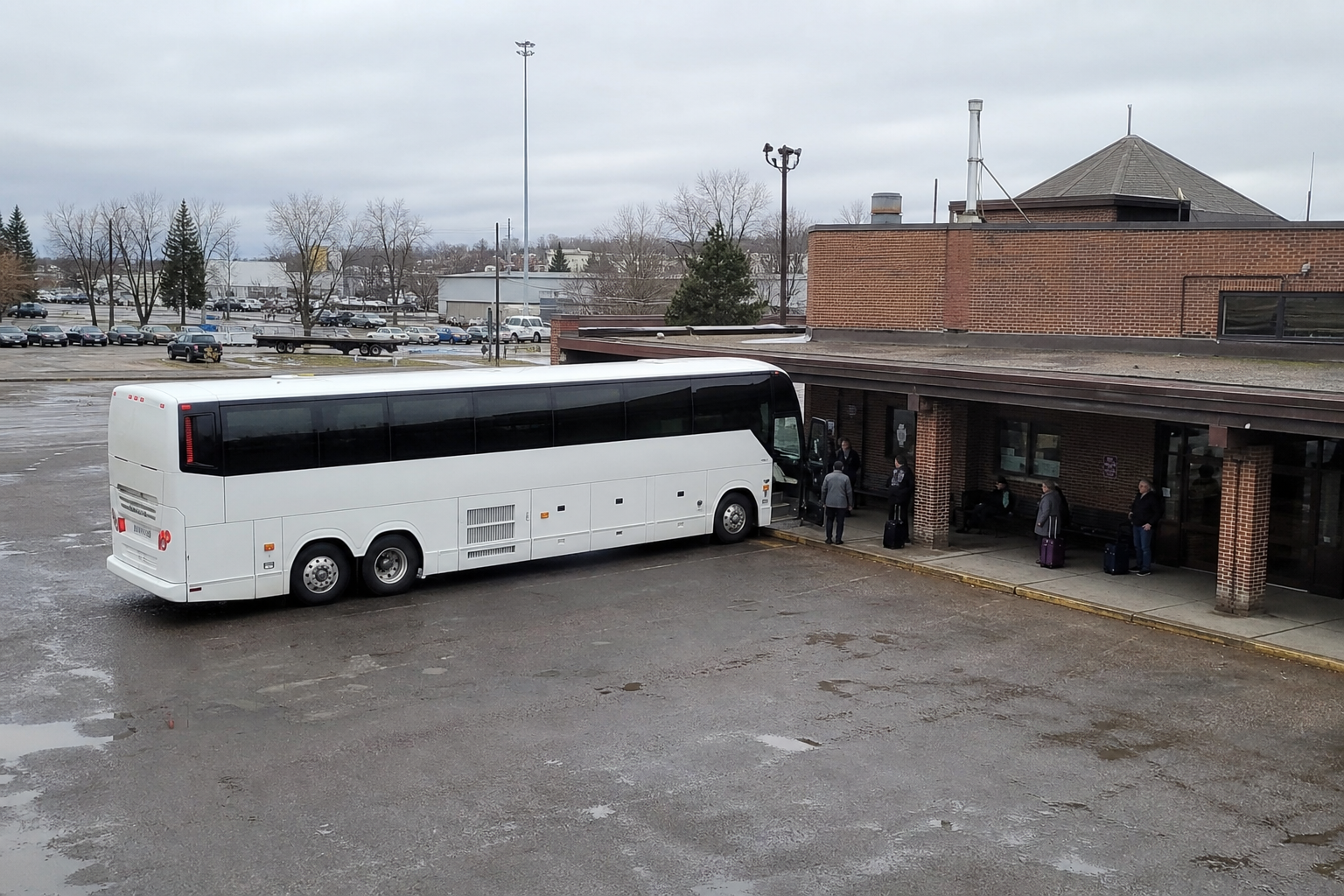
Depot yard
Who is on site
Hwy 17
Road cameras
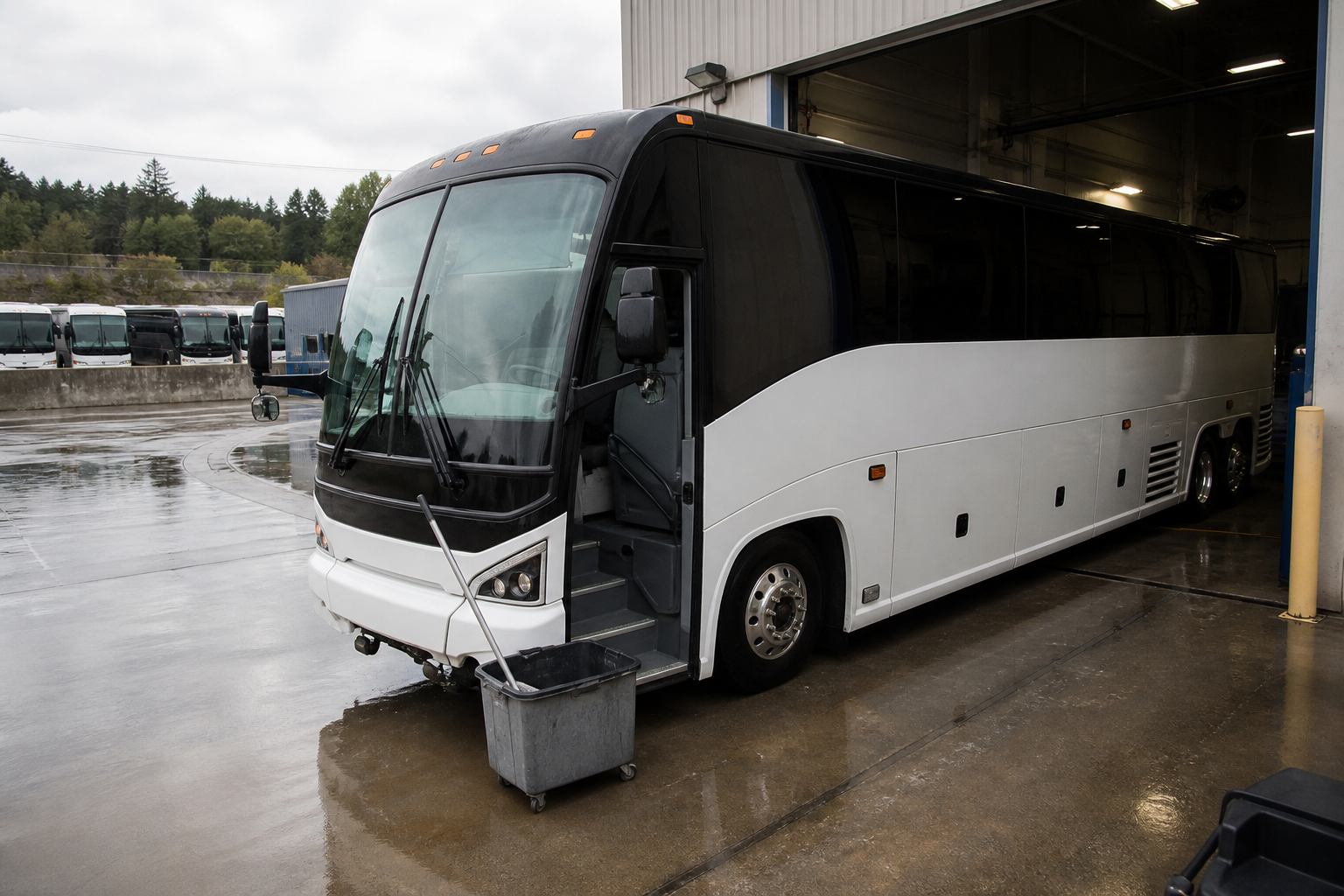
After the run
Cleaner photos
Live cameras
Office door, bus aisle, and depot yard — one wall, one login.
Ban list
Banned at the front door
Do-not-enter list · just now
Ban list
The lobby and the aisle use the same list. You get the alert, not a feed nobody watches.
Today's trip on the driver's phone.
The manifest is still a PDF — print it if you want. Drivers can open it on their phone, see who is next, and book a ticket if someone shows up at the stop.
Today · Thunder Bay → Winnipeg
Kenora
Next stop · 15:10
Bus 1
- Maya ChenOn at Kenora
- Jon HaleOff at Kenora
- Walk-upBook on this bus
- 01
Today's trip
The run, the bus, and the next stop — on their phone.
- 02
The manifest
Same PDF the desk prints. Drivers can open it on the road.
- 03
Book at the stop
A customer shows up. The driver books them on this bus.
- 04
Take cash. Hand it in.
Collect fares. Submit them when you get back.
- 05
Call the desk
One tap. Same login as the office.
If a bus cannot leave, it cannot sell.
Track the work and the spend on each bus. A work order takes it off sale. Cleaning photos live on that bus. Team Up says who is working.
Bus 700 · in the shop
Thread open · brakes + oil
$2,140
spend
4 Sep
next check
Off
tickets · charter
Maintenance
Open a work order and tickets, charters, and freight stay off until it is ready.
BeforeAfterCleaning
Before and after photos on that bus. Dispatch sees them.
Who drives. Who is off.
Mon
3
Tue
4
Wed
5
Thu
4
Fri
3
Team Up
Who is on and who is off. Schedules and the map use that name.
An AI assistant you can talk to.
You type what you want, the same way you would tell a clerk. You do not hunt through menus. It opens the right screen — find a bus, book a list of names, or fill Book Tickets while you help the next person.
- 01
Ask in plain English
Where is this bus? Who is driving it? Is the highway open?
- 02
Give it a list of names
You paste thirty names. It fills Book Tickets for you.
- 03
You stay with the customer
Watch it work. Help the next person at the counter.
Numbers off the same tickets.
Sales, warrants, and tax come from the bookings — not a midnight spreadsheet. Every ticket, ping, and alert is yours.
Sales · warrants · tax
Pulled from the same tickets. Not a side file.
Forecasting comes next
How to fill the trip. What to change.
- 01
Sales, warrants, tax
Pulled from the same tickets, the same day.
- 02
You own the data
Every ticket, GPS ping, and camera alert is yours.
- 03
Forecasting comes next
How to fill the trip. What to change.
The whole desk. One login.
Every module below runs on the same login and reads from the same tickets, buses, and trips.
Book Tickets
Search the trip. Price it. Take payment.
Bookings
Change, refund, find the ticket again.
Pricing
Winter is one price. Summer is another.
Charters
Request, quote, e-sign. Then assign the bus.
Parcels
Freight on the same bus. Label at the desk.
Scanner
Scan it on. Track it like a ticket.
Customers
Who rode, who is banned, who comes back.
Schedules
The timetable the desk actually sells from.
Manifests
Who is on this departure. Print the PDF, or open it on a phone.
Bus assignment
Put a coach on today's trip. Tickets, map, and the driver follow it.
Team Up
Who works, who is off. The map uses that name.
Inter-route legs
Connections between routes, not a second spreadsheet.
Driver phone
Today's run, who is next, book a walk-up at the stop.
Bus Tracker
Every bus. Live ETA. Who is driving.
Inbox
Arrived, road closed, charter signed, face at the door.
Live cameras
Lobby, aisle, yard.
Ban list
Ban a face once. Every camera knows.
Highway cameras
Snow and closures on the same map as the coach.
Issues
A problem on the road is a ticket, not a group chat.
Buses
The fleet. Seat maps. Which one can leave.
Maintenance
In the shop? It cannot be sold.
Cleaning
Assignments and photos on the same bus.
Routes and stations
The corridor. Stops the desk actually sells.
Employees
Who works here.
Agencies
Contract desks sell your routes. Billed monthly.
Payments
Card or cash stays on the ticket.
Finance and reports
Sales, warrants, tax from those tickets.
Invoices and refunds
On the booking, not a separate pile.
Eight programs. Now one. You own the data.
Kasper Bus Lines built VION after they ran eight programs to keep one company moving. Scheduled coach, charter, and freight on the same bus — not city transit, not school buses.
- 8 → 1
- Programs replaced by one login.
- Coach · charter · freight
- On the same bus, the same trip, the same ticket.
- Yours
- Every ticket, GPS ping, and camera alert stays with the operator.
Straight answers.
- Is this ticketing or GPS?
- Both — plus the driver phone, Team Up, the shop hold, and the desk inbox.
- Do we throw out our GPS boxes?
- No. The map uses the pings you already have.
- Can agencies still sell our routes?
- Yes. On your account, billed monthly — not a public website.
- Is this a public booking site?
- No. A private walkthrough of the real screens, then your desk.
See the real screens for the desk, dispatch, and the driver.
Map, tickets, inbox, and the driver phone. Leave your details — we will set a private walkthrough. No self-serve signup.